
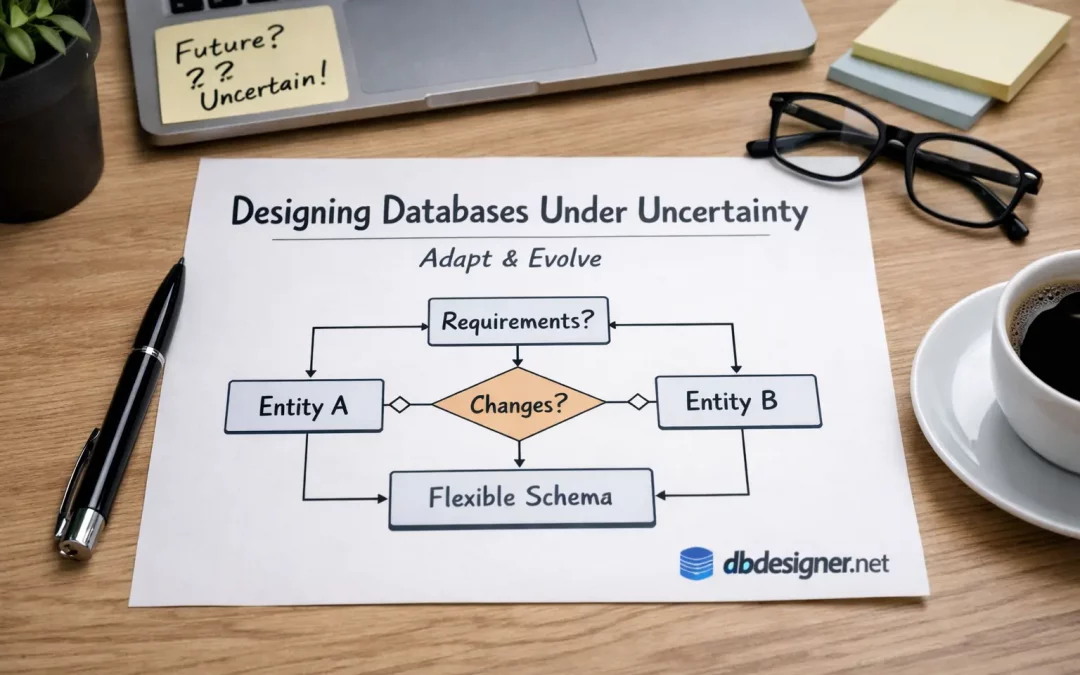
Designing a Database When the Rules Keep Changing: A Student’s Survival Skill
You can usually spot a student-built database design from a mile away.
Not because it’s “wrong” in a textbook way. But because it assumes the world will behave.
It assumes:
- every customer has one address
- every order has one payment
- every product has one price
- every “status” is a neat dropdown that never changes
Real systems don’t break because you forgot a rule. They break because the rules mutate quietly, mid-semester, mid-project, mid-career.
This post is about learning database design as a student by practicing the one skill that separates “I drew an ER diagram” from “I can design systems”: designing under uncertainty.
The Scenario: A Campus Club That Won’t Sit Still
You’re asked to do a simple schema design for a university “events club” app:
- members join the club
- the club hosts events
- members register for events
- some events are free, some are paid
You open an ER diagram tool, you create tables, you feel productive.
Then the real world walks in and says:
“Actually… we also have sponsors. And events can have multiple sessions. And sometimes registration is per session. And VIP members can bring guests. And refunds exist. And a member can be banned for one event only.”
Now your original database design is either:
- a house of cards, or
- a flexible model that can absorb change
The difference is not memorizing patterns. It’s how you choose boundaries when you don’t know the future yet.
The Student Trap: Designing “Objects” Instead of “Decisions”
Most students model nouns:
- Member
- Event
- Registration
- Payment
That’s not bad. It’s just incomplete.
Strong database design starts when you model decisions that happen over time:
- someone registers (a choice, at a moment)
- someone pays (maybe later, maybe partially)
- someone attends (not guaranteed)
- someone brings a guest (optional, conditional)
- someone gets refunded (another event in the timeline)
When you model “things” only, you end up stuffing time into columns like:
statusis_paidis_attendedrefund_date
That looks clean until you ask: “What if it happens twice?” or “What if we need history?”
So instead of chasing perfect theory, try this mental shift:
Model what can happen more than once as its own thing.
Not because of normalization homework — because reality repeats itself.
A Practical Design Move: Separate “Event” From “Occurrence”
Here’s a change that hits student projects hard: one event becomes many sessions.
If your Event table contains date/time directly, you’re trapped:
- Do you duplicate the event row for each session?
- Do you add
session_1_date,session_2_datecolumns? - Do you store a comma-separated list and pretend it’s fine?
A designer thinks differently: “Is an event a type of thing, or an occurrence of a thing?”
So you split it:
- Event: the idea (title, description, organizer)
- EventSession: the occurrences (datetime, room, capacity)
Now your ER diagrams tell a story:
- One Event has many EventSessions
- Members register for an EventSession (or for Event, depending on policy)
This isn’t a “trick.” It’s a future-proofing habit: separate the concept from its instances.
The “Policy Column” Smell (and What to Do Instead)
Another thing that breaks student schema design: policies disguised as columns.
Example: “VIP members can bring up to 2 guests.” Students create:
member.is_vipregistration.guest_count
Looks fine until:
- some events allow 0 guests, some allow 1, some allow 5
- sponsors get extra guest slots
- VIP rules change next semester
If the guest rule lives only in application code, your database design becomes a silent bystander. You can’t explain the data later without re-reading business logic.
A more “designer” move is to represent policy where it belongs: at the level it applies.
- EventSession might have
max_guests_per_registration - MembershipTier might have
default_guest_allowance - EventRule could exist if rules multiply (and they will)
The principle is simple:
If a rule varies by context, don’t hardcode it into a global attribute.
This is database design as reasoning, not memorization.
Design Challenge: Pick Your “Truth Source” on Purpose
Here’s a question students rarely ask (and it’s the one that causes messy ER diagrams):
Where is the truth?
Take “attendance.” Does attendance mean:
- the member registered?
- the member checked in?
- the member stayed for 60% of the session?
Different clubs, different apps, different truth.
So instead of adding registration.is_attended and calling it a day, design it like a designer:
- Define what counts as “attendance”
- Store the evidence of that definition (like a check-in scan)
- Compute “attendance” from evidence when possible
This is where students become dangerous (in a good way): you stop building a database that stores answers, and you build one that stores verifiable facts.
A Quick Exercise Students Can Do Tonight
Pick any schema design you’ve made (club system, library system, e-commerce clone). Then do this:
- Write 5 changes you would hate to receive after you submit the project.
- For each change, ask: “Which table would I have to edit first?”
- If the answer is “I’d need to add 4 columns” or “I’d duplicate rows,” your model is brittle.
Now redesign one part using this rule:
Every time you add a column to represent a repeating situation, consider making it a relationship instead.
You’ll feel your ER diagrams shift from “lists of entities” to “maps of behavior.”
What to Draw in Your ER Diagram (So It Actually Helps)
Students often use ER diagrams as decoration: boxes, lines, done.
Use ER diagrams as a debate tool instead:
- Circle the relationships you’re unsure about.
- Write questions on the diagram: “Can this happen twice?” “Who decides this?” “What changes over time?”
- Mark “policy boundaries”: rules that vary per event vs per member vs globally.
If you want a clean place to sketch and iterate without overthinking the tool itself, you can draft your ER diagrams at https://erd.dbdesigner.net and refine the overall database design as your understanding evolves. When you’re ready to keep versions of your schema design and compare iterations, tools like https://www.dbdesigner.net can make that iteration loop smoother without turning your work into a “final answer” too early.
Notice what we just did: we treated diagramming as thinking, not “drawing.”
The Mindset Shift: Design for Change, Not for Approval
In school, the goal feels like: “Submit a correct schema.”
In real life, the goal is: “Make tomorrow’s change cheaper than today’s workaround.”
So the student-friendly definition of good database design is:
A schema design is good if it makes future questions easy to ask and future changes hard to fear.
That’s the skill to practice: not perfection, but resilience.
Try This Next Time You Start a Project
Before you draw anything, ask these three questions:
- What repeats? (sessions, payments, guests, refunds, role changes)
- What is evidence vs conclusion? (check-in scans vs “attended”)
- Where do rules vary? (per event, per tier, per organization)
If you design your database around those questions, your ER diagrams will stop looking like homework and start looking like architecture.
And that’s when database design becomes fun: it turns into a puzzle about reality — not a quiz about terminology.
Recent Comments